
Church Event Planning Checklist (Free Template)
A simple 8-step church event planning checklist where every task has an owner and a deadline. Download the free template as a PDF.
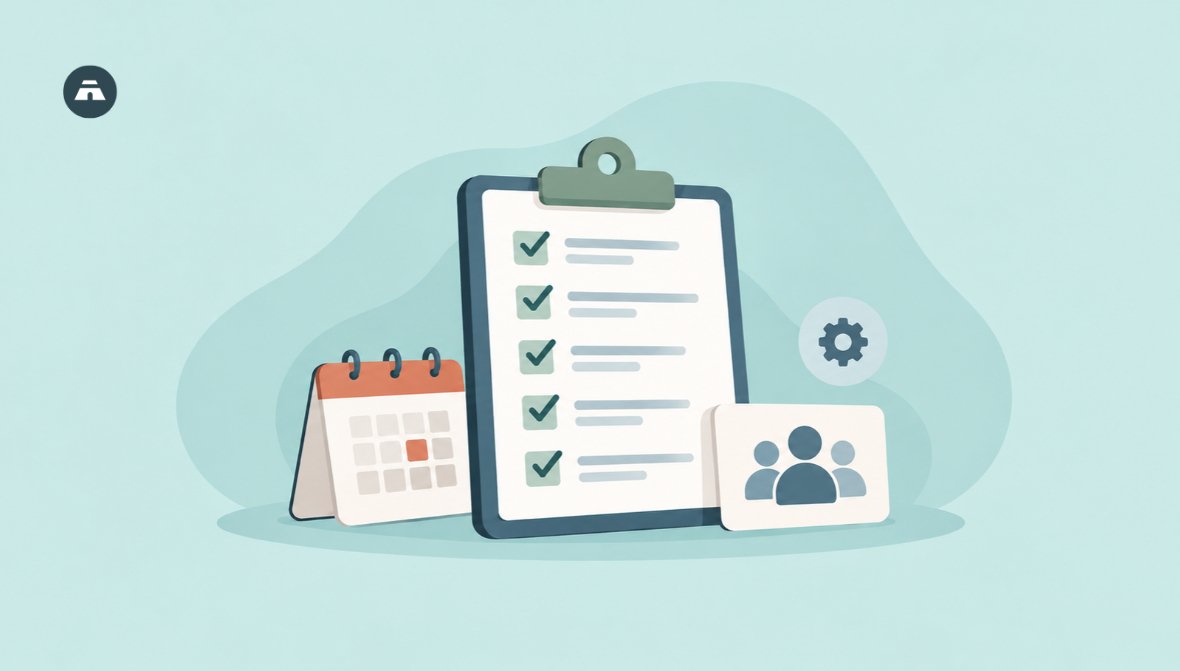
Events at church don't usually blow up on the day. Usually there's a crisis before that; a matter of weeks, maybe even years, before anyone can be certain who owns the sound system, who owns the food, who owns the welcome table.
Running a church event is knowing why you're running an event, delegating tasks & deadlines and reviewing the event. This church event planning checklist separates the planning process into eight steps. Step 4 can potentially ruin an entire plan.
Free Church Event Planning Template (PDF)
Use it as a planning worksheet for your team, or give it to each ministry leader as a simple event planning form.
What should a church event planning checklist include?
Here are the eight items your checklist should include: for example, objective, approval date & location, budget, owner, the promotion, event day and follow-up. Each checklist point should have a name and a date.
-
A clearly written event purpose
-
Whether your pastor or leadership approve it.
-
A confirmed date and venue
-
A simple budget
-
For each job, one owner and one backup.
-
A promotion schedule with key dates
-
A run sheet for event day
-
Follow-up and a short debrief
Launch your church into the future
Everything your ministry needs — giving, events, members, and more. Try it free, no credit card required.
Start Free Trial No credit card • Cancel anytimeHow do you plan a church event step by step?
Step 1: Write a five-line event brief
When: before you discuss it with anyone else. Owner: the event lead.
Provide one sentence answers to five questions:
-
What is our motive?
-
For whom?
-
What will happen?
-
When and where?
-
How will we know it worked?
Make it clear the event before you move on. A Christmas program and a camp for teens have very different answers-and that's where the brief comes in.
Step 2: Get approval then set the date
When: Before the public announcement: by the event leader, with the lead or pastor. Who: Timing: Owner: lead, pastor or leadership team.
-
Bring the brief to your pastor and leadership team first.
-
Verify if there are any conflicts with other ministries in the church calendar.
-
Check the school exams, celebrations and national holidays.
-
Verify the date and location of the event prior to making the announcement.
Getting an early announcement can seem like a good way to get work started. It can also result in having to make a further announcement.
Step 3: Setting up a simple budget
When: immediately after the date has been confirmed. Who: the owner (event lead) and your treasurer.
-
Mention all expenses for: location, food, printing, sound, decorations and so on.
-
Don't forget to add a small contingency sum for any unexpected expenses.
-
Note where the money will be obtained from.
A free event costs something, even so. Tea and printing quickly consume your budget. Need a little help designing the thing? Check out our post on how to create a church budget.
Step 4: Assign ownership to each task and assign a backup.
When: as soon as the budget is finalised. Owner: the event lead.
This step is repeated as much as every other step and for this reason it takes the most space.
-
List all tasks: welcome, sound & slides, food, seating, kids, clean-up.
-
Put one name against each task.
-
Include a backup for an essential role - such as sound and the one with the keys.
-
Provide everyone with an overview of their role and what they are responsible for.
"We will all contribute" tends to mean "no one contributes". Remember this when you come to step 6.
Step 5: Promote in three rounds
When: from approval to the last days. Owner: whoever is in charge of communicating with you.
-
Round one: when it is approved - announce the date and purpose of it.
-
Round two: share the event and also what the attendees will see.
-
The final reminder, in the days leading up to the event.
Utilize the channels your people are using right now - announcements at church, text groups, posters, social media, etc. For other tips on how to get more people in the door, refer to this article on how to increase church attendance.
Step 6: Confirm everything one week before
When: seven days before. Owner: the event owner.
If the event day comes too soon and we do not have time to get everything ready, then it becomes crazy.
-
Phone all owners on your Step 4 list to see if they can come.
-
Re-verify the site and any equipment borrowed/hired.
-
Send each volunteer their role, time of arrival and a contact phone number.
-
Write a run sheet: giving the time, what happens at this time and who is in charge.
-
Test the sound system and projector, then set up a final review prior to the show.
Step 7: Run event day from the run sheet
Who: owner - event lead, and a second individual - who must be designated as the person to address last-minute issues.
-
Get there early and set out the welcome table.
-
Check your venue and the way you have set up your equipment and arrangements before your guests arrive.
-
Brief volunteers for five minutes before the guests arrive.
-
Allow one person to be free of the problem so that the lead can focus on the program.
-
Capture a few pictures for your thank you message.
Step 8: Follow Up and debrief Briefly
When: in a few days' time. Owner: the event owner.
-
Express gratitude to all the participants and volunteers by their names.
-
Reach out to new visitors. See our church visitor follow-up plan.
-
Get together for 20 minutes and ask three questions: what did we learn today, what didn't we learn today, what will we do differently next time?
-
Create the answers and put them with your checklist so the team after yours does not have to begin at zero.

What if something goes wrong at a church event?
Even carefully planned events can run into unexpected issues-braced for the usual pitfalls.
-
Weather: have an indoors ready or shelter.
-
Tech: Always keep spare batteries, extension cords and a second copy of your slides.
-
Late speaker: keep a small sample item (song or testifier) on hand.
-
Protection: have the first aid kit and the exits been identified. Also make sure someone is aware of what to do in an emergency.
-
Children: stick to check-in/check-out procedures, keep track of the persons authorised to pick them up and have adults hold a watch on them.
How can Tabernacle help your team plan events?
Church event planning is all about managing people, responsibilities and communication. Tabernacle makes it easy for your team to handle these tasks all within a single system. You can create, schedule, organize and assign church events to various church groups. Check out how it works at Tabernacle.app.
Frequently Asked Question
Do church events need registration?
Not necessarily. Sign-up works well if you are needing a close count of the number of participants, limited seats, requiring a meal, or you need to know who's paid. For just a small group, sometimes a head count is all that's needed.
How is an event checklist different from an event-day schedule?
A checklist is used to list the tasks to be accomplished prior to and after an event. An event day schedule, or run sheet is a listing of what happens at the event, at what time, and by who.
Will the church be allowed if the event takes place outside of the church?
The location, what the event involves and the host country. Find out about permissions, safety regulations and insurance before making any plans by speaking to the venue host and other authorities.
Church website: 8 must-have features
What every church website needs, from service times to sermons and forms, with real examples from church websites we ha…

Church games: 15 easy ideas for every group
15 easy church games for kids, youth, small groups and adults. Most need only things you already have at home.

Church fund accounting: track money by purpose
Church fund accounting tracks every gift by the purpose it was given for. Learn how funds work, how to set them up, and…
